
FOR VOLLEYBALL FAMILIES
More time playing.
Less time coordinating.
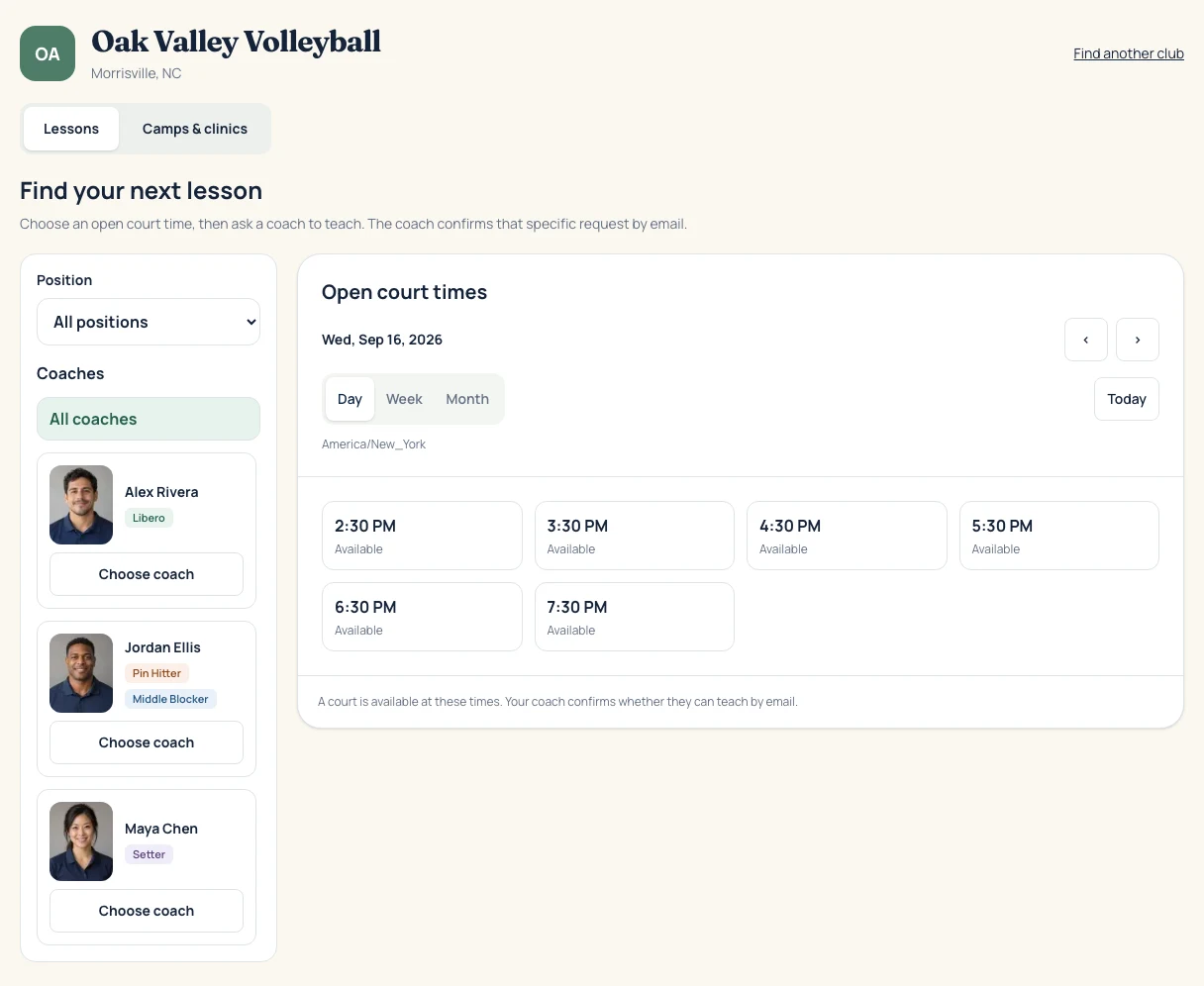
Your club’s coaches, open lesson times, and camps. All in one place.
- 1
Choose your club
Follow your club’s link or find it here. Browse times and coaches before signing in.
- 2
Send a lesson request
Choose a time and coach, then sign in by email and add your athlete.
- 3
Get the confirmation
Your coach responds. Follow the payment details and add the lesson to your calendar.
EVERYONE ON THE SAME PAGE
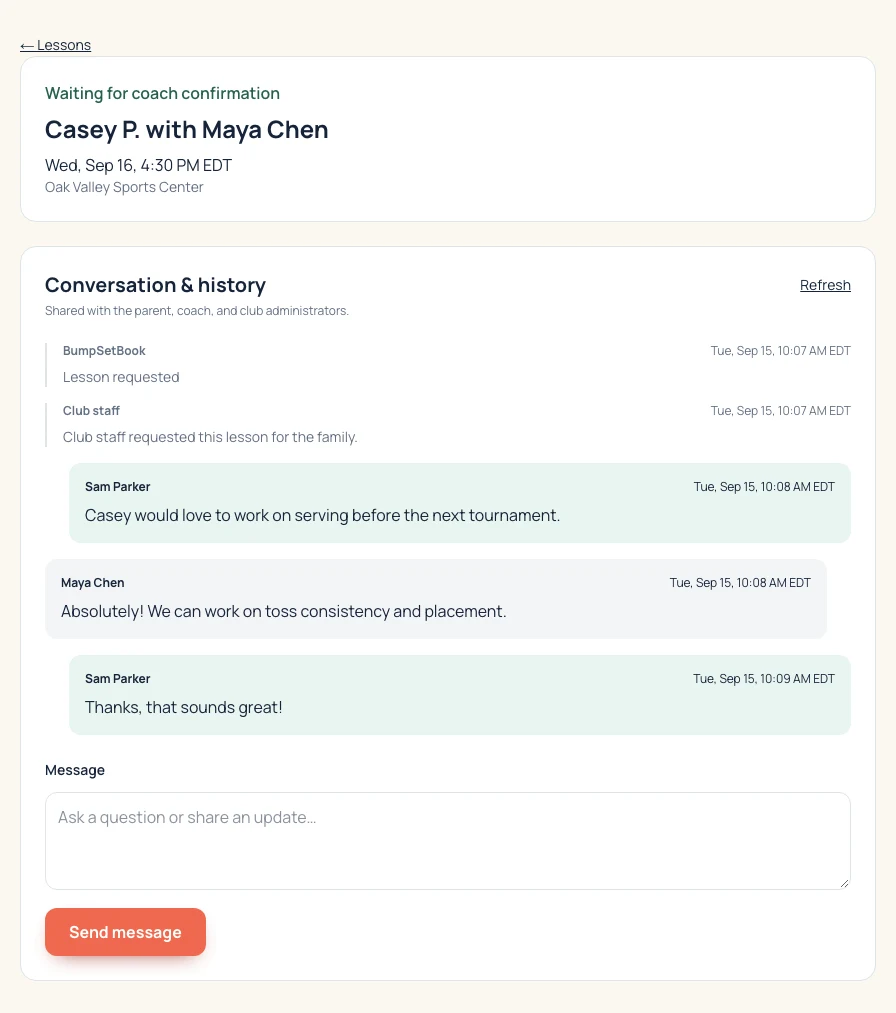
The conversation stays with the lesson.
Ask a question, check the coach’s reply, or revisit the details. Email updates bring you back to the same conversation.
CAMPS & CLINICS, TOO
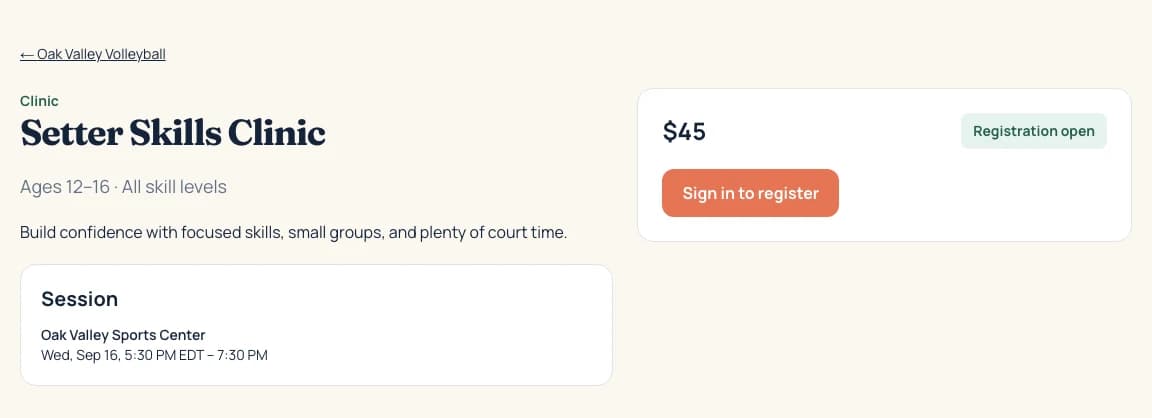
Their next chance to get on court.
See session dates, who it’s for, and the price before registering. If a program is full, join its waitlist.
Good to know before you book.
When do I need an account?
Browse first. Sign in with an email link when you request a lesson or register for a program. Your account keeps your athletes and bookings together, even across clubs.
Is a lesson confirmed as soon as I request it?
No. The coach must accept, and some clubs also require staff approval. Your lesson page shows its current status and anything you need to do next.
How do I pay?
Your club chooses the payment method. Pay online when available, or follow its manual payment instructions. Check the booking’s payment status and deadline before heading to court.
Can I change or cancel a lesson?
Open the lesson from your dashboard to request a new time or cancel. Review your club’s cancellation policy and any refund details there.